I have enabled all notification permissions. Why am I still not receiving approval notifications?
If the issue continues after running Test Notification feature check, check the following:
A. I am a Non-Residing Owner
If you are marked as a Non-Residing Owner, visitor approval notifications are sent to the residing occupants (tenants) of the flat instead of you.
This ensures that someone who is currently staying in the flat can respond to visitor requests quickly.
B. I am residing in the flat but not receiving notifications
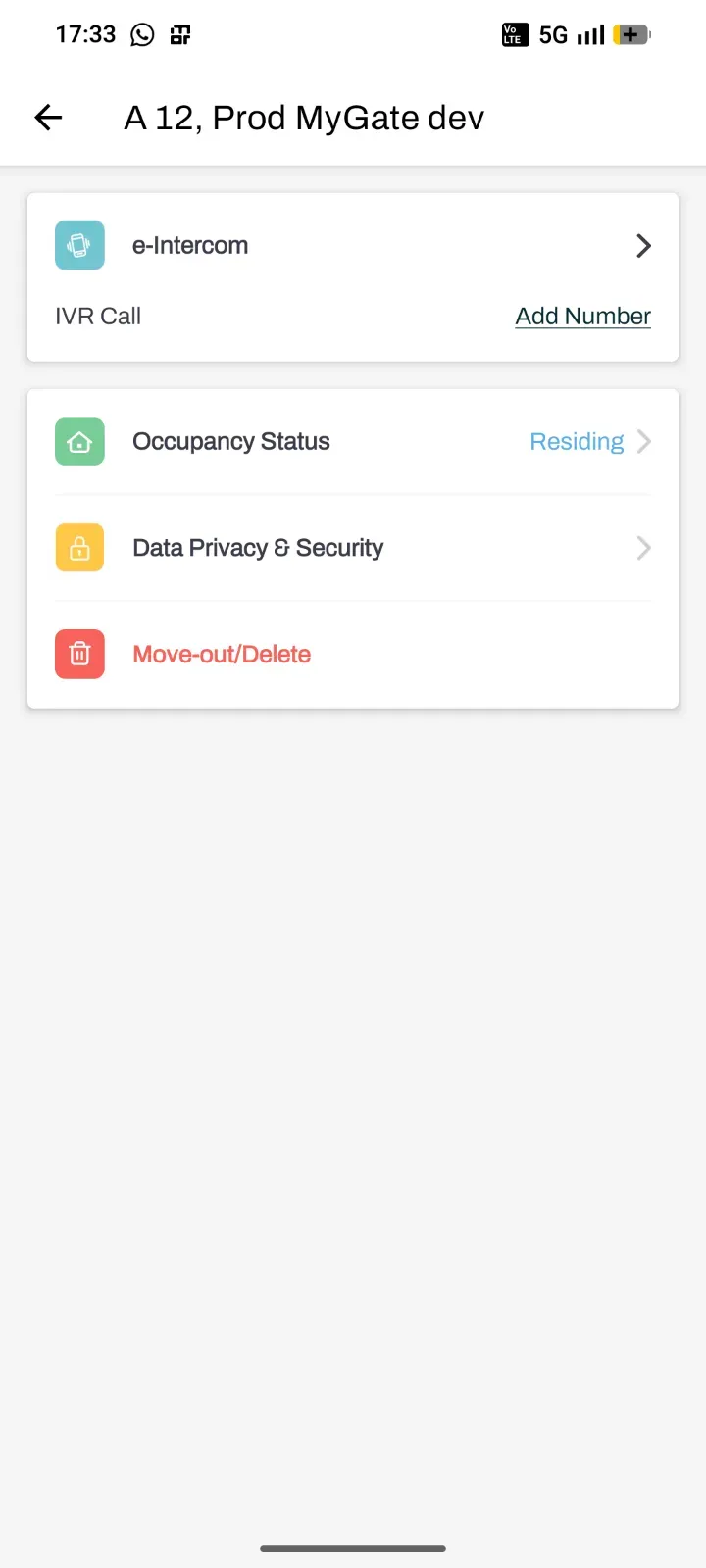
If you are living in the flat, check whether your occupancy status is set correctly. Your status should be Residing Owner.
To update your occupancy status:
Open the MyGate app.
Tap the Settings icon in the top-right corner of the Home screen.
Go to Manage Flats.
Select the flat for which you want to update the occupancy status.
Tap Occupancy Status.
Change it to Residing Owner.
Note: Only the flat owner or your society admin can update the occupancy status.